Finally, AI agents understand interactions
Turn any UI animation into an agent-ready Motion Blueprint — trigger, timing, easing, and feel your AI agent can actually build from.
The map pulls back to reveal friends popping in across the city.
zoomed-in → pulled back
0 → 1 · pop
continuous spin
Animations you can recreate
Real UI motion, decoded into a Blueprint your agent can build. Drop in a clip like these and ship the feel — not a guess.
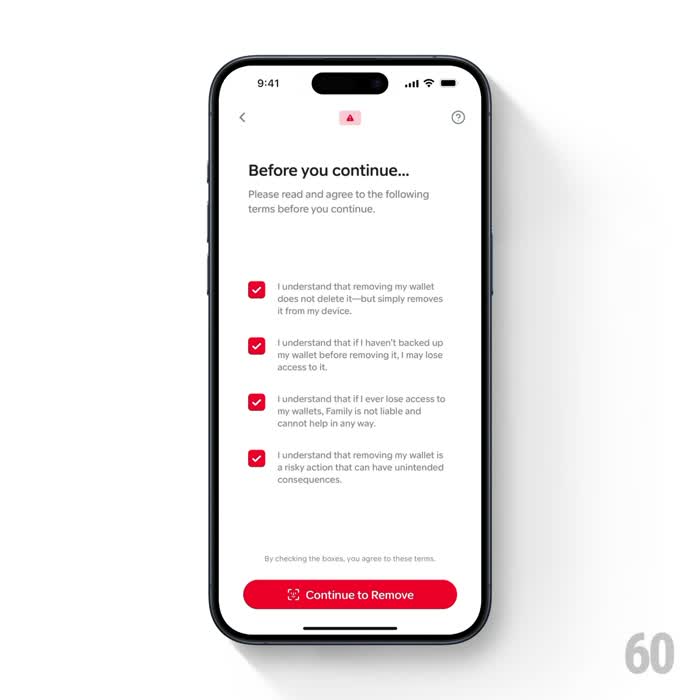
Multi-step confirm — screen slides, checklist staggers in
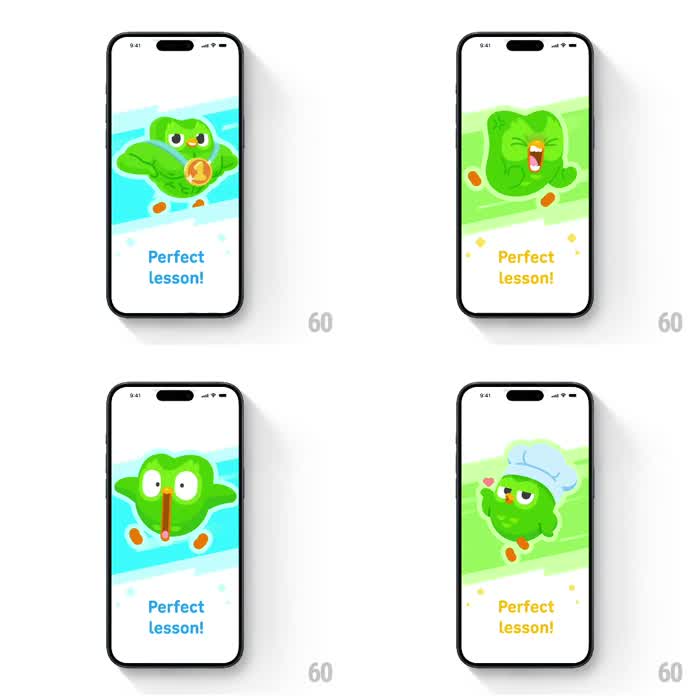
Lesson complete — mascot bounces, XP pops in
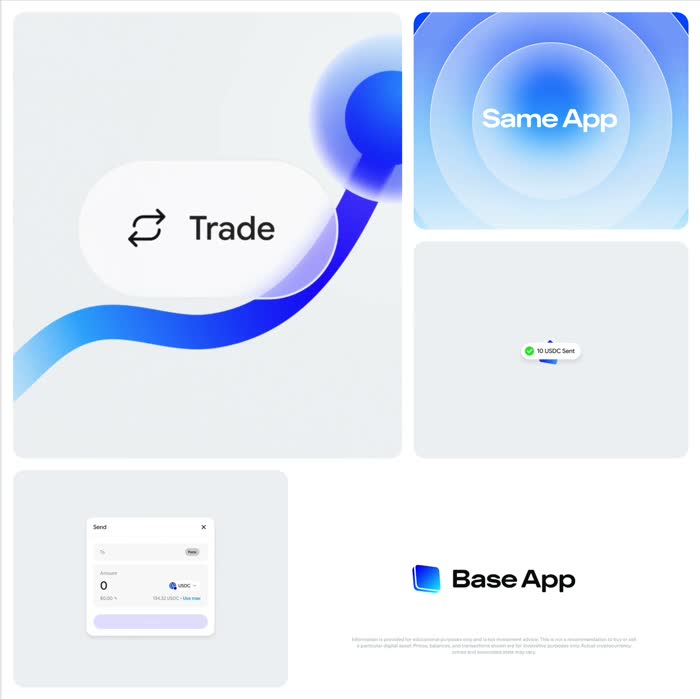
3D logo rotates in as a payment flows across
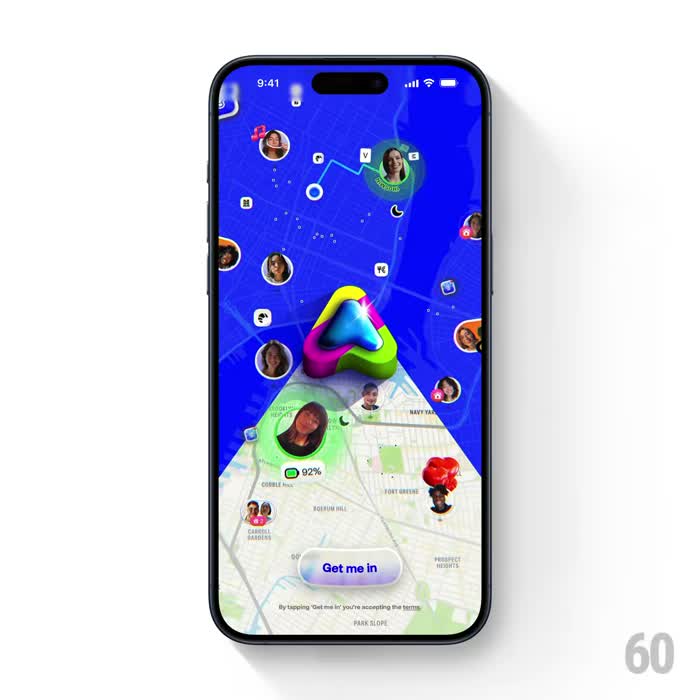
Map pulls back to reveal friends dropping in

Reward chest bursts open, XP boost slides up
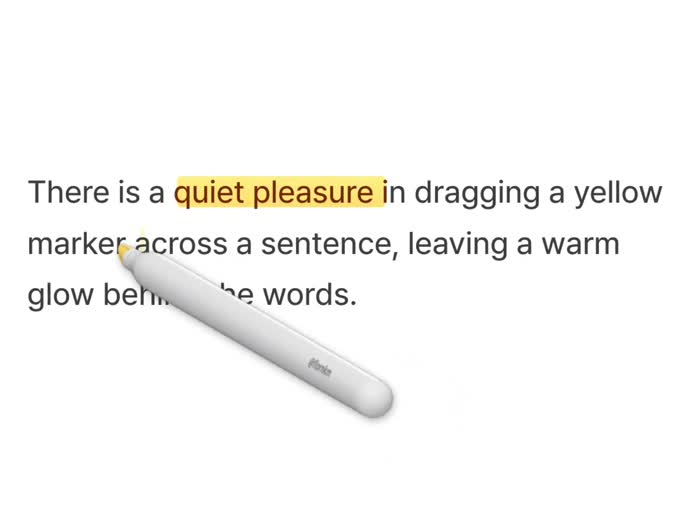
Highlighter drags across text, wiping in colour
Multi-step confirm — screen slides, checklist staggers in
Lesson complete — mascot bounces, XP pops in
3D logo rotates in as a payment flows across
Map pulls back to reveal friends dropping in
Reward chest bursts open, XP boost slides up
Highlighter drags across text, wiping in colour
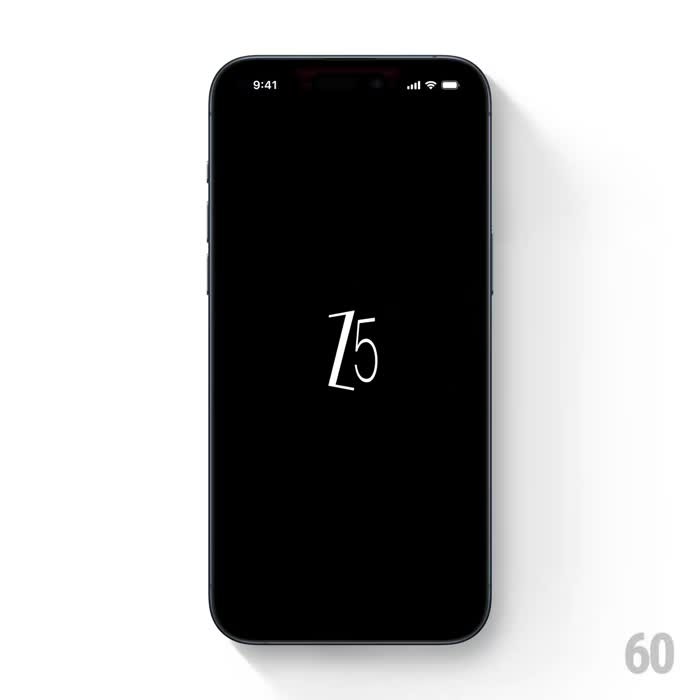
Glitchy RGB logo resolves into a crisp wordmark
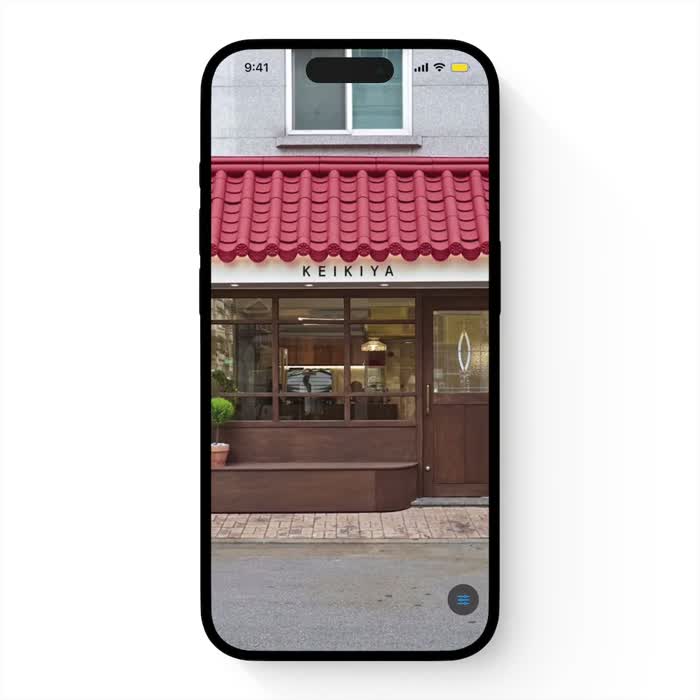
Liquid distortion melts away to a sharp photo
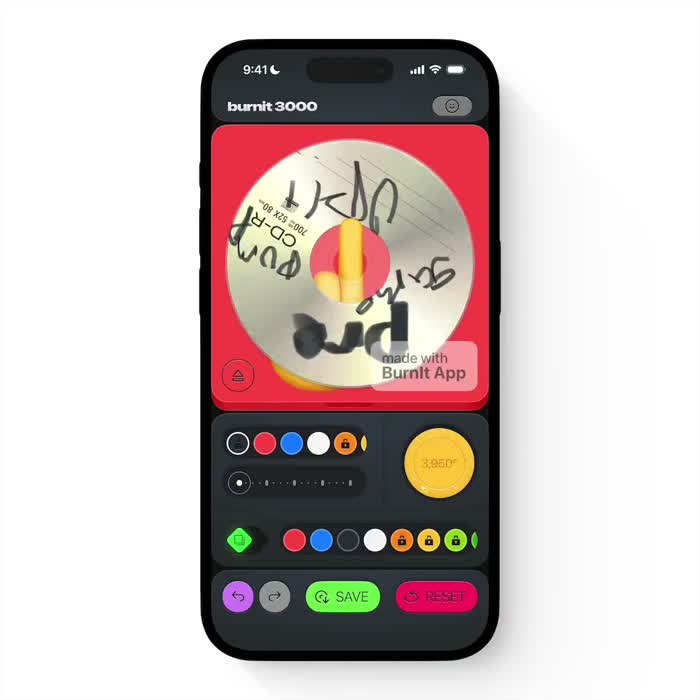
A hand-drawn CD spins in a retro music maker
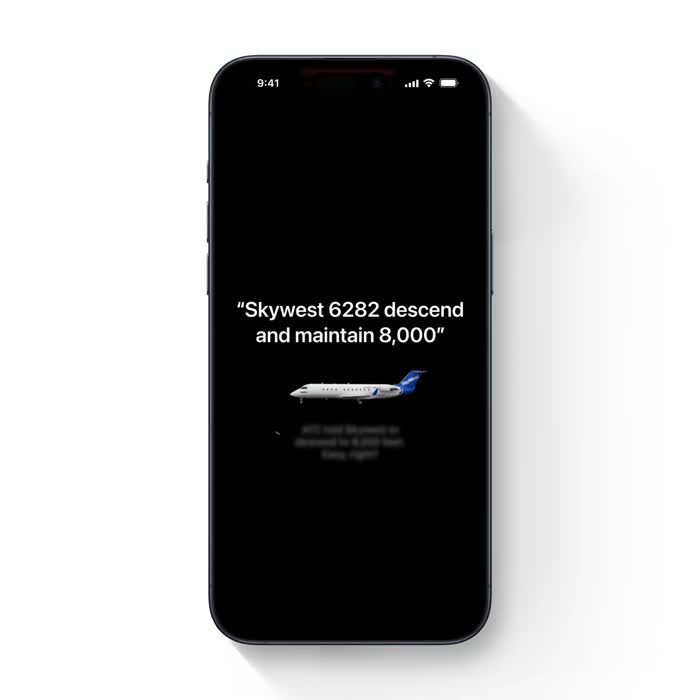
A radio call types in as a plane banks into frame
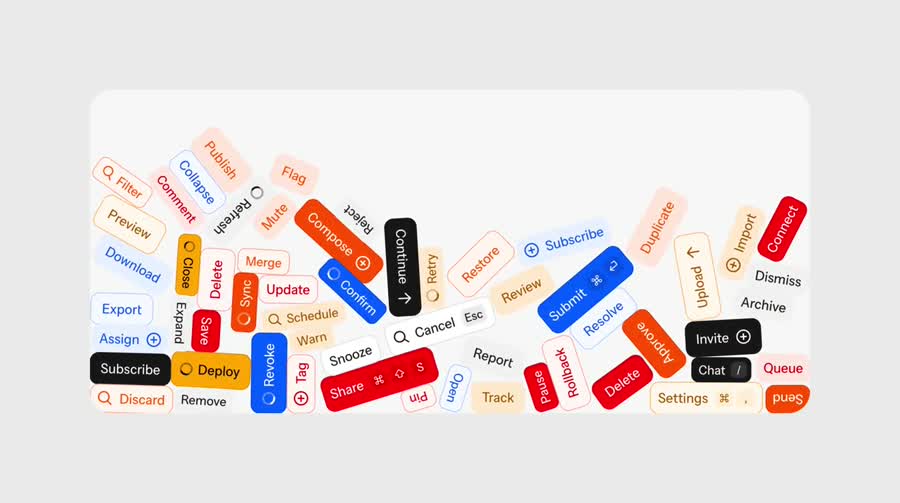
UI buttons tumble and scatter with real physics
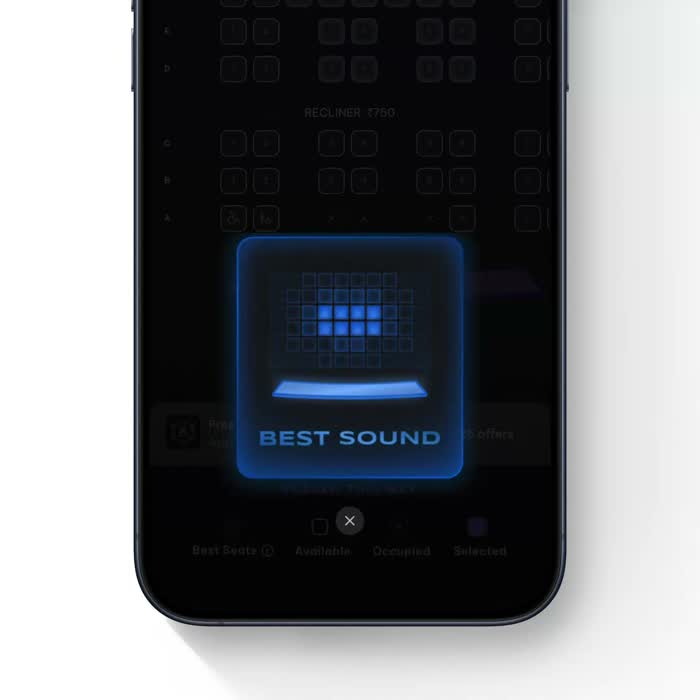
Glowing cards pulse through a dark cinema picker
Glitchy RGB logo resolves into a crisp wordmark
Liquid distortion melts away to a sharp photo
A hand-drawn CD spins in a retro music maker
A radio call types in as a plane banks into frame
UI buttons tumble and scatter with real physics
Glowing cards pulse through a dark cinema picker
How it works
No manual annotation — drop a clip, get a Blueprint, ship the motion.
Drop a video
Drag in any screen recording of a UI animation — from any app, site, or prototype.
MotionLens decodes it
Every layer, timing, easing, and sequence becomes a structured Motion Blueprint.
See the storyboard
Each key moment is annotated frame-by-frame, so the motion is crystal clear before you build.
Your agent builds it
Paste the Blueprint into Cursor or Claude and get the animation back as real, pixel-perfect code.
Model Context Protocol
One command. Motion in your agent.
MotionLens installs as an MCP server in Claude Code, Cursor, Windsurf — any agent. Run it once and your agent reads motion straight from any clip, no copy-paste.
Read the docsYou vibe-code the app. MotionLens handles the motion.
No more eyeballing easings or hand-tuning keyframes. Record the motion you want, drop the Blueprint into your agent, and it ships.
Built for vibe coders and AI-native devs
Prototyping solo in Cursor or shipping with a small crew — if you build with AI, MotionLens speaks your agent's language.
Everything orbits one Blueprint
Cursor, Claude Code, Codex, Windsurf, your terminal — MotionLens plugs into all of them. One Motion Blueprint, every agent.
Connect. Ask. Ship the motion.
Your agent connects to the MotionLens MCP, asks about any animation, and gets a Blueprint back to build from.
Ask your agent
Ask your agent
Your agent connects to MotionLens
Claude Code, Cursor, or any MCP client links to the MotionLens server — one command, zero config.
Ask your agent
Ask it to explain the animation
Drop a recording, paste a link, or name a file — then ask your agent to break down the motion.
A dark UI assembly — the header fades in as the keyboard and input bar slide up, then suggestion pills stagger in and legal text fades last.
Get the Motion Blueprint back
An annotated storyboard, layered motion with exact timings, ready-to-paste code, and an agent prompt — straight into your editor.
Your agent connects to MotionLens
Claude Code, Cursor, or any MCP client links to the MotionLens server — one command, zero config.
Ask it to explain the animation
Drop a recording, paste a link, or name a file — then ask your agent to break down the motion.
Get the Motion Blueprint back
An annotated storyboard, layered motion with exact timings, ready-to-paste code, and an agent prompt — straight into your editor.
Build more. Pay less. Scale smart.
Start free with 5 credits — no card. Upgrade anytime, cancel anytime. Pay only when your AI agent proves its worth.
Pay yearly — get 2 months free
ProPopular
For builders shipping motion with AI agents
Start free with 5 credits — no card.
Includes:
- 150 credits / month (75 Standard or 50 Precision)
- Precision Mode — multi-pass + annotated storyboard
- MCP server for Claude Code, Cursor, Windsurf, Codex
- Priority processing
- Longer clip uploads
- Email support
Studio
For teams shipping motion at scale
Start free with 5 credits — no card.
Everything in Pro +
- 300 credits / month (150 Standard or 100 Precision)
- Best per-analysis rate
- Highest-priority processing
- Early access to new export targets
- Priority support
Frequently Asked Questions
Everything about turning animations into agent-ready Motion Blueprints. Still stuck? Reach out anytime.